Kitchen Layout Planner
Ever snapped a quick photo of your kitchen and thought, “What if this could look completely different?” You’re not alone. More people are using their smartphone cameras to turn a simple snapshot into a blueprint for a full kitchen overhaul - and it’s working. No fancy tools. No professional designers. Just your phone, a free app, and a little curiosity.
How a Photo Turns Into a Kitchen Plan
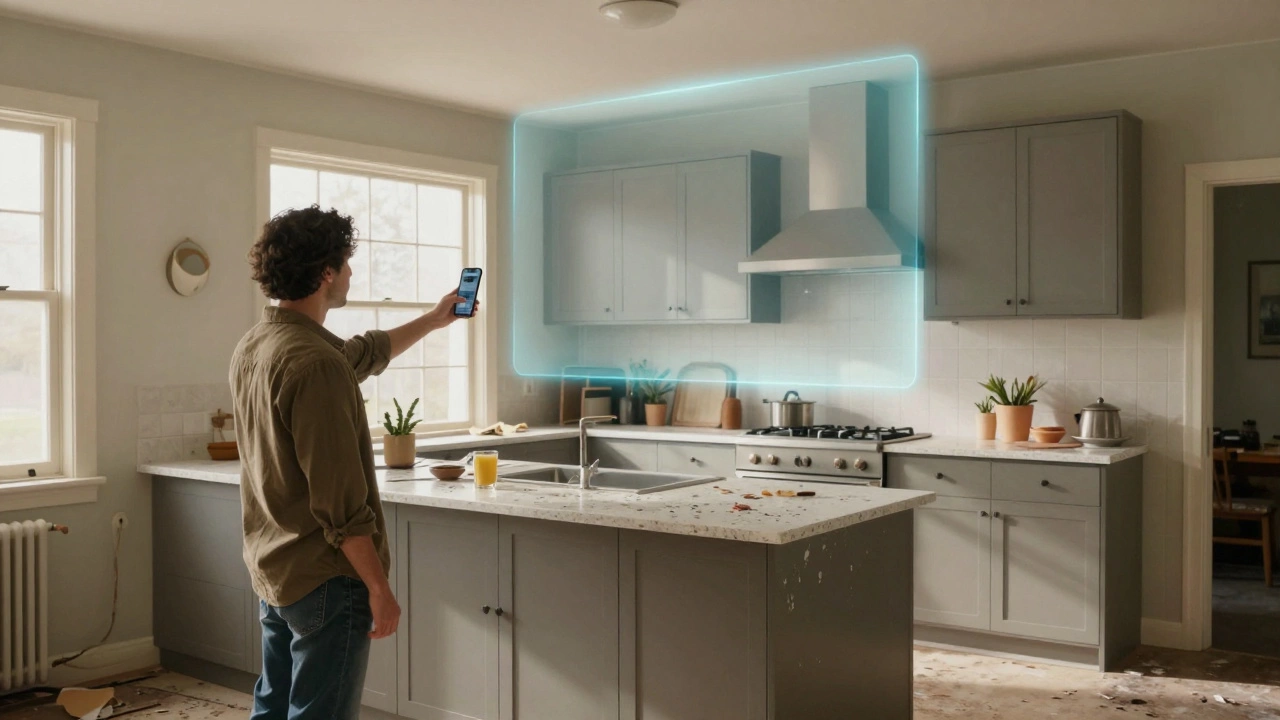
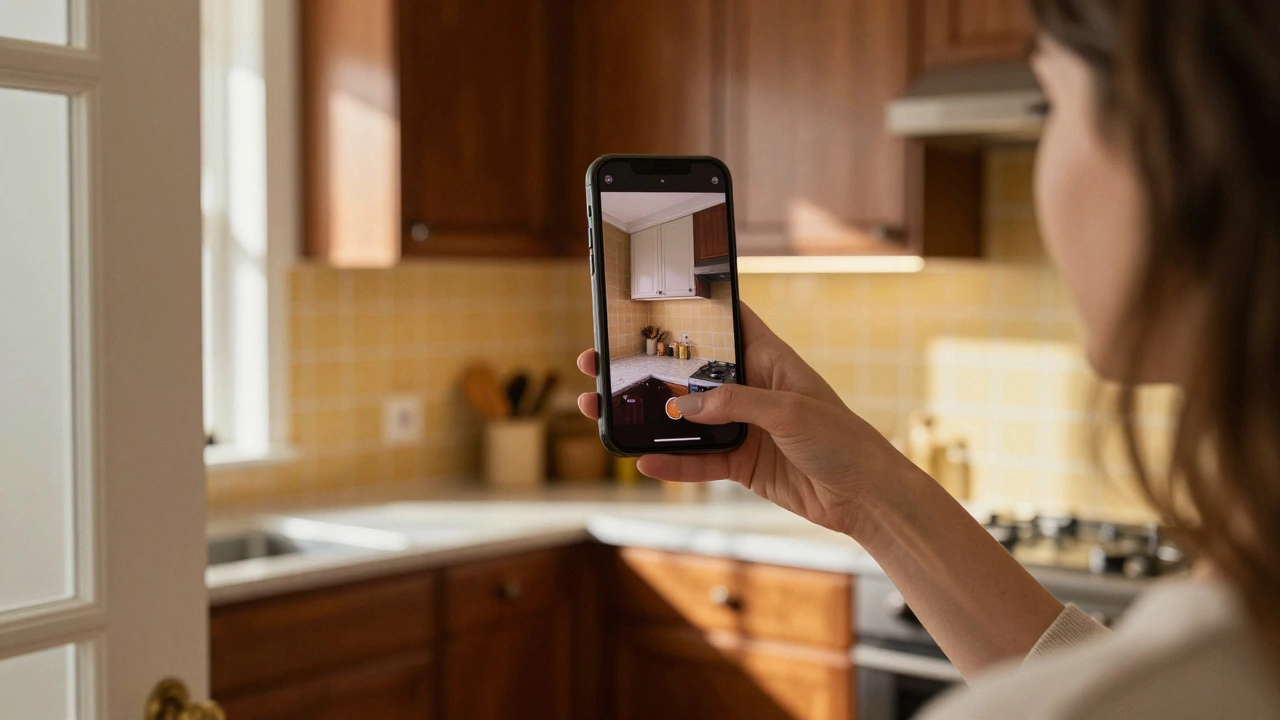
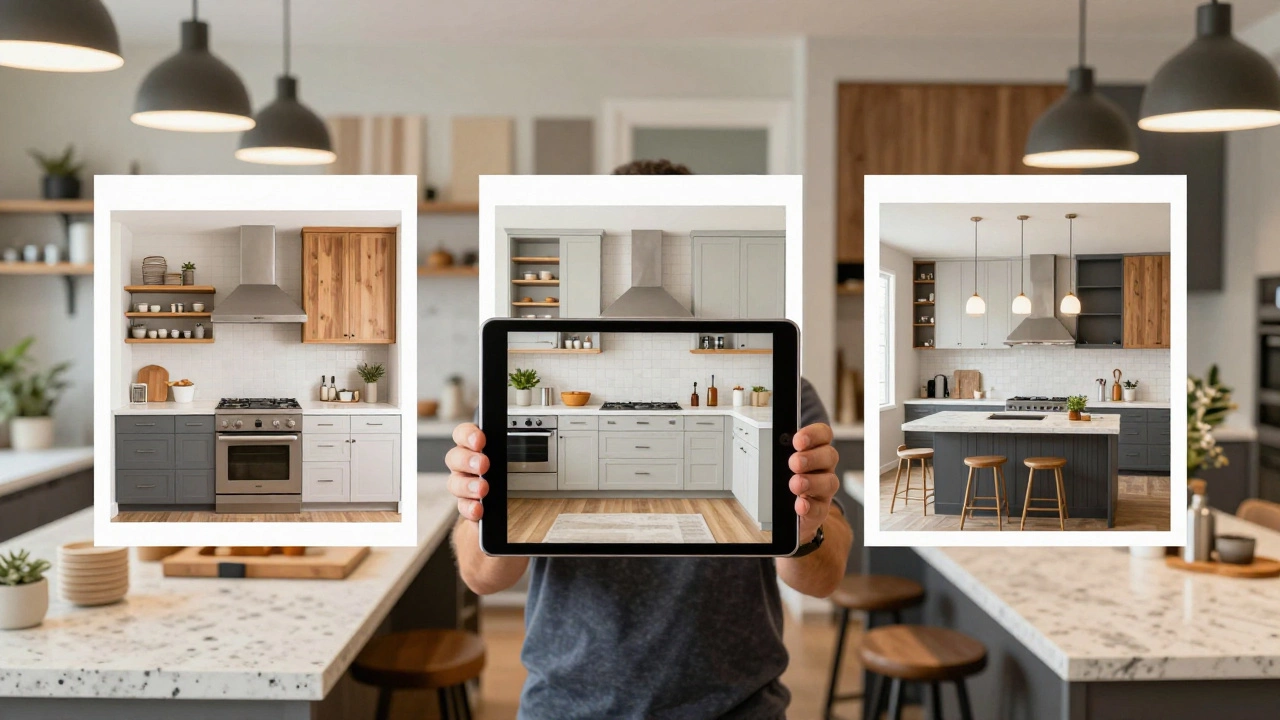
It sounds like magic, but it’s just smart software. Apps like Roomsketcher, Planner 5D, and IKEA Place let you upload a photo of your kitchen and then overlay new cabinets, countertops, lighting, and even flooring. The app uses your photo’s perspective to estimate dimensions. It doesn’t need laser measurements. It just needs a clear, well-lit shot taken from the main doorway or opposite wall.
One woman in Ohio uploaded a photo of her 1980s galley kitchen - dark wood cabinets, yellow tile, a single overhead bulb. Within 20 minutes, she tried a white shaker cabinet layout, quartz countertops, and under-cabinet LED strips. She sent the result to her contractor. They built it exactly as shown. No guesswork. No surprises.
This isn’t just for homeowners. Contractors are using it too. A remodeler in Austin told me he shows clients three versions of their kitchen before they even sign a contract. One version matches their Pinterest board. Another mimics a neighbor’s kitchen. The third? Something totally unexpected. Clients pick one. Then he builds it.
What You Need to Get Started
You don’t need to be tech-savvy. Here’s what actually works:
- A clear photo: Take it in daylight, from across the room. Don’t use flash. Close blinds if there’s glare on countertops.
- A free app: Try Roomsketcher (iOS/Android/Web). It’s the most accurate for kitchen layouts. Planner 5D is easier for beginners. Kitchen Planner by IKEA is best if you’re leaning toward their products.
- A rough idea of what you want: Do you need more counter space? Better lighting? A coffee nook? Write it down. Apps won’t read your mind - but they’ll respond to clear goals.
Pro tip: Measure your doorways and ceiling height with a tape measure. Then enter those numbers into the app. Even if the app guesses your room size wrong, you can adjust it manually. Accuracy matters more than you think.
What You Can Actually Change
Not everything in your kitchen is easy to swap. But here’s what apps show you realistically:
- Cabinets: Material, color, style - all changeable. Apps show you how different finishes look in your lighting.
- Countertops: Quartz, granite, butcher block - you can see how they reflect light and match your cabinets.
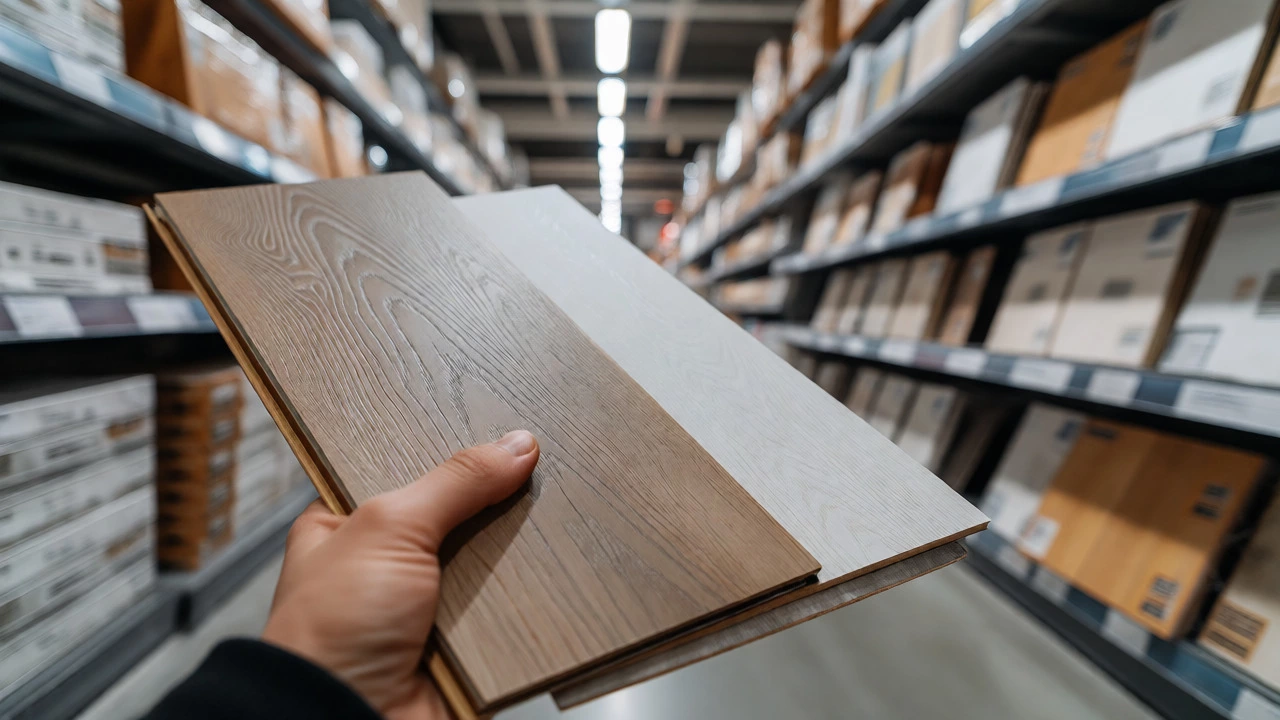
- Flooring: Tile, hardwood, luxury vinyl. The app simulates how foot traffic and shadows affect the look.
- Lighting: Recessed, pendant, under-cabinet. Try warm white vs. cool white. See how shadows fall on your prep area.
- Appliance placement: Move your fridge, sink, or dishwasher. See how the workflow changes.
What you can’t change easily? Structural walls, plumbing lines, or electrical outlets. Apps can’t move pipes. But they can show you where to relocate a sink if you’re planning a full remodel. That’s the real value - seeing the cost of change before you call a plumber.
Common Mistakes People Make
Most people get excited and pick a design that looks great on screen - then realize it’s impossible in real life. Here’s what goes wrong:
- Ignoring traffic flow: A beautiful island that blocks the door to the pantry? That’s a nightmare. Apps let you simulate walking through the space. Use it.
- Choosing trendy over practical: White cabinets look amazing in photos. But if you have kids, they’ll show every fingerprint. Try a matte finish or a soft gray instead.
- Forgetting storage: You can’t see hidden cabinets in a photo. Always check if your new design has enough drawers, pull-outs, and corner solutions.
- Overlooking appliance sizes: A 36-inch fridge won’t fit where a 30-inch one was. Measure twice. Type in exact dimensions in the app.
One guy in Seattle redesigned his kitchen with a double oven and a wine fridge. The app said it fit. He didn’t check the depth. Turned out the oven stuck out 4 inches past the cabinets. Cost him $1,200 to reframe the wall. Lesson learned: always double-check measurements with the app’s built-in ruler.
Real Results from Real Photos
Here’s what happened when people used this method:
- A couple in Portland turned a cramped, dark kitchen into a bright, open space using just one photo and a 15-minute app session. They kept the same layout but swapped out everything else. Cost: $14,000. Time saved: 3 weeks of design meetings.
- A single mom in Nashville uploaded a photo of her 1990s kitchen. She wanted a breakfast bar. The app showed her how to extend the counter into a 36-inch ledge with bar stools. She did it herself over a weekend. Now her kids do homework there every night.
- A retired couple in Arizona wanted to age in place. They used the app to simulate a no-step entry, pull-out shelves, and lever-style faucets. They hired a contractor based on the visual. No confusion. No change orders.
This isn’t just about aesthetics. It’s about solving real problems before you spend money.
When to Call a Professional
Apps are great for exploring ideas. But they can’t replace a pro when:
- You’re moving plumbing or electrical lines.
- You’re removing load-bearing walls.
- You’re dealing with old wiring or lead paint.
- You’re on a tight budget and need accurate quotes.
Take your app-generated design to a kitchen designer or contractor. Show them the before and after. They’ll give you a realistic quote. Many will even use your design as the starting point. It cuts down on their time - and your cost.
What’s Next? The Future of Kitchen Design
By 2026, apps are getting smarter. Some now use AI to suggest layouts based on your habits. Upload a photo of your kitchen, and the app asks: “Do you cook daily? Do you host dinners? Do you have kids?” Then it recommends a layout optimized for you, not just trends.
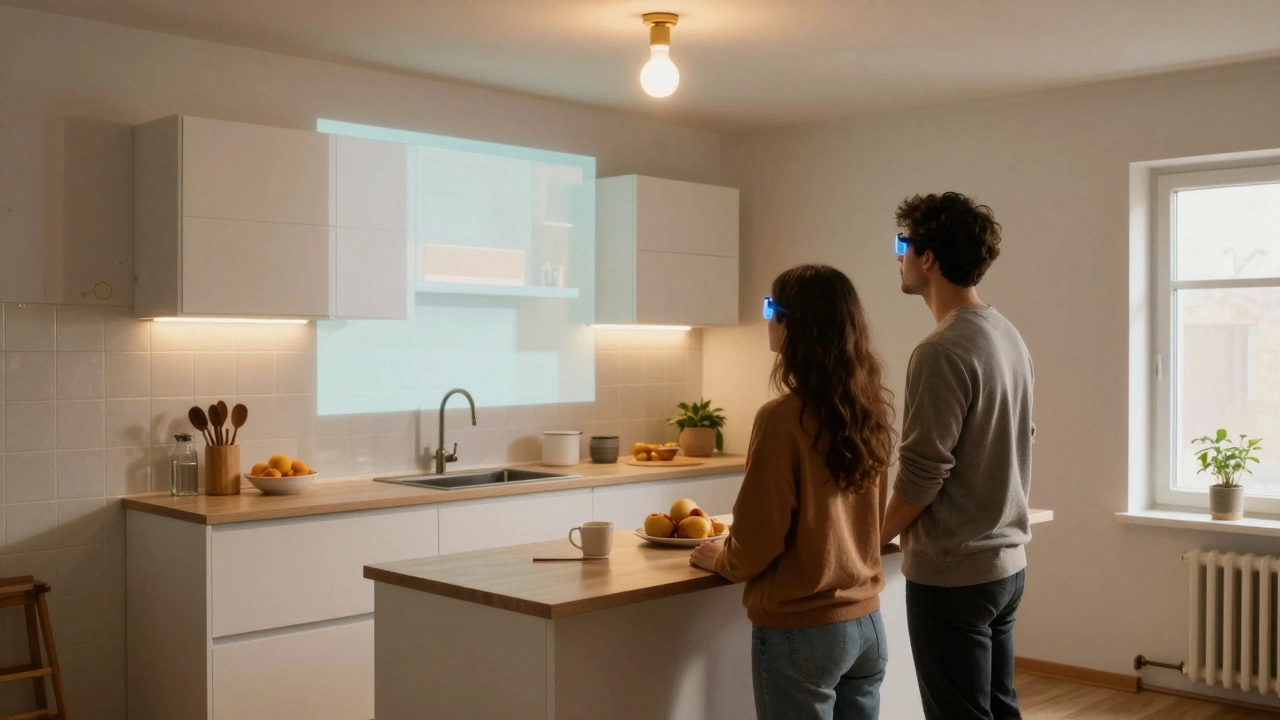
One startup in California is testing AR glasses that let you walk through your redesigned kitchen before you build it. You stand in the room. You see the new cabinets floating in place. You reach out - and the fridge moves when you tap it. It’s still experimental. But it’s coming.
For now, your phone and a free app are enough. You don’t need a degree in design. You don’t need a budget of $50,000. You just need to take a photo. Then ask: What if?
Can I redesign my kitchen just from a photo without measuring anything?
You can start, but you’ll get inaccurate results. Most apps guess room size from perspective, which often leads to wrong cabinet or appliance sizes. Always measure your room’s length, width, ceiling height, and door/window positions. Enter those numbers manually into the app. It takes 5 minutes and saves you thousands in mistakes.
Which app is best for kitchen redesign from a photo?
For accuracy and realism, Roomsketcher is the top choice. It handles lighting, shadows, and material textures better than most. If you want simplicity, try Planner 5D. If you’re buying IKEA cabinets, use Kitchen Planner by IKEA - it integrates their full catalog. All three are free to start.
Can I use this method for a small kitchen?
Yes - and it’s especially useful for small kitchens. Apps let you test narrow cabinets, corner turntables, wall-mounted shelves, and fold-down counters. Many users in apartments or condos have doubled their usable space by visualizing storage solutions they never thought possible. One user added a pull-out spice rack that fit in a 3-inch gap. That’s the kind of detail you’d miss without a visual tool.
Will my contractor accept a design made from a photo?
Most will - especially if you present it cleanly. Print out the before-and-after images, label changes, and include measurements. Contractors hate guesswork. If you give them a clear visual plan, they’ll appreciate the time you saved them. Some even use these tools themselves.
Is this a good way to save money on a kitchen remodel?
Absolutely. Design services can cost $500 to $2,000. Using an app cuts that to $0. You’ll also avoid costly changes later - like realizing your new sink doesn’t line up with existing pipes. One homeowner saved $7,000 by spotting a plumbing conflict in the app before breaking ground. That’s pure profit.