Kitchen Photo Quality Checker
Check if your kitchen photo meets the requirements for accurate redesign apps. Complete all steps to get your readiness score.
Photo Preparation Checklist
Your readiness score
Complete the checklist to see your score
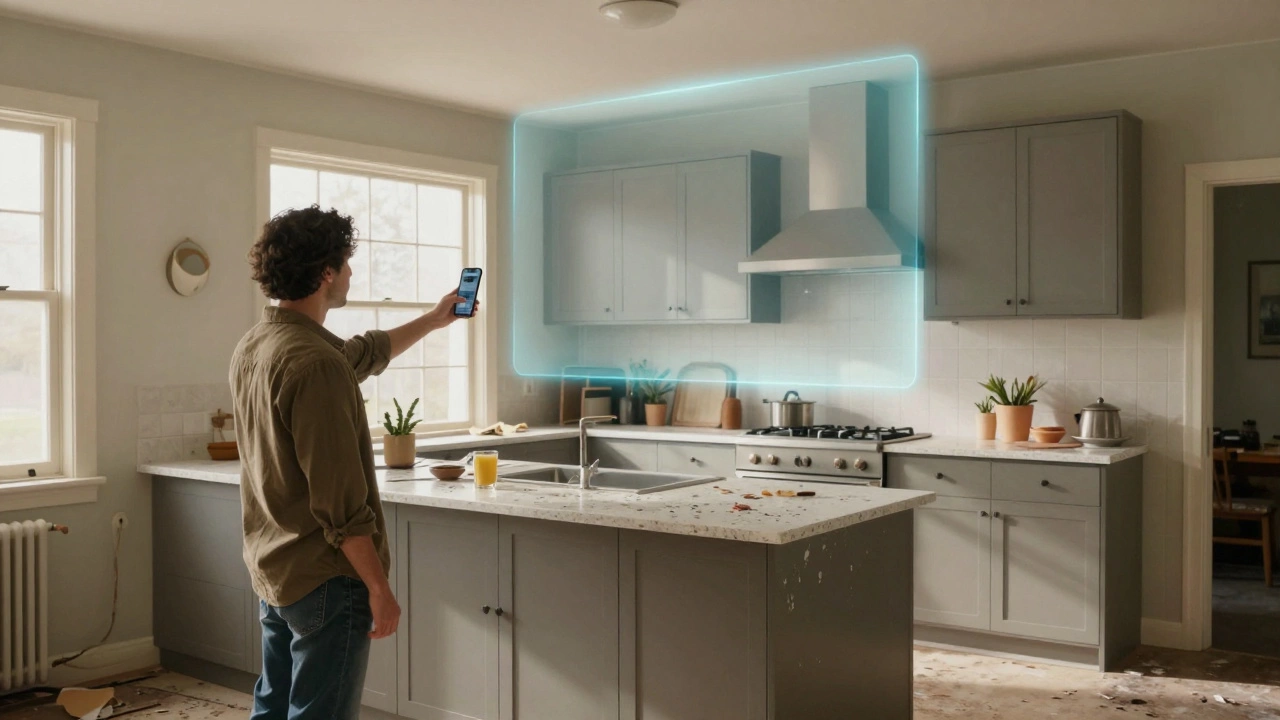
Ever stare at your kitchen and think, “I could do so much better”-but have no idea where to start? You don’t need a design degree or a six-figure budget. All you need is a photo of your current space and a tool that turns it into a new reality. Uploading a picture of your kitchen to get a free redesign isn’t science fiction anymore. It’s real, it’s easy, and it’s available right now.
Why a Photo Works Better Than a Sketch
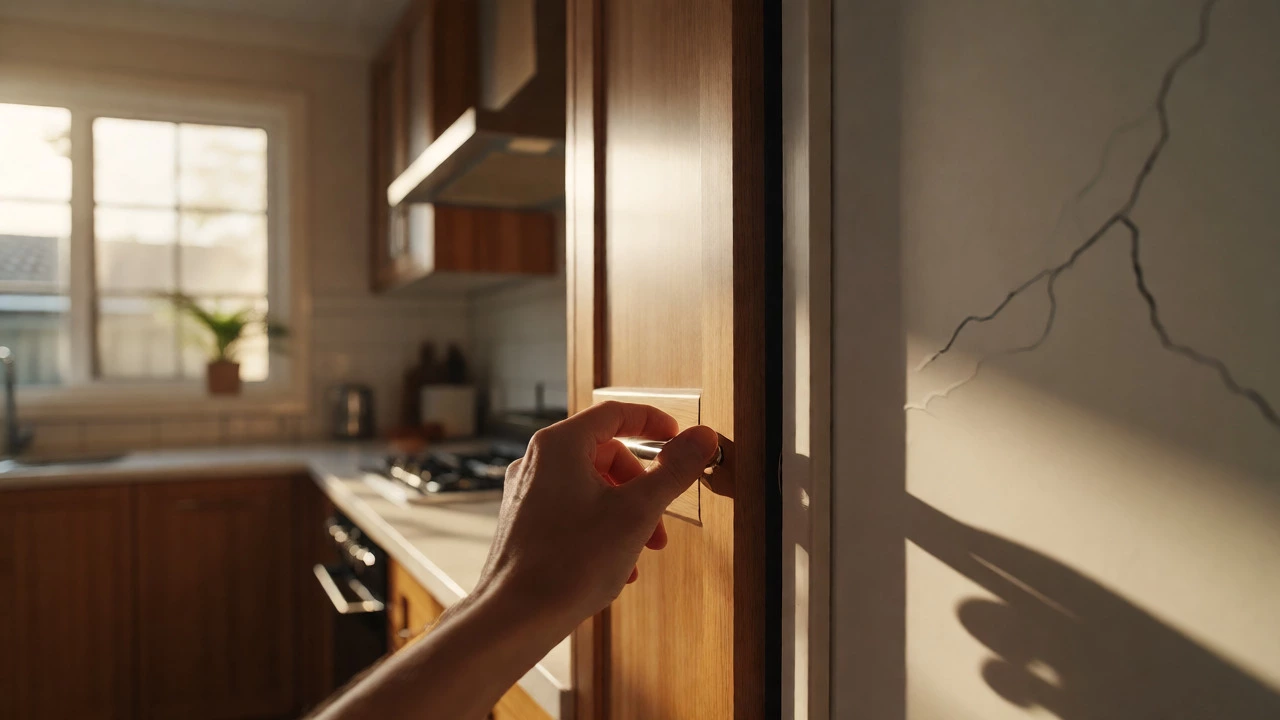
Most people try to describe their kitchen in words: “I have an L-shape, a window over the sink, and a weird corner cabinet.” But words lie. Measurements get mixed up. Angles get forgotten. That’s why apps that let you upload a photo cut through the noise. They see your actual space-walls, lighting, outlets, even the chipped tile near the fridge-and use that to build a redesign that fits.
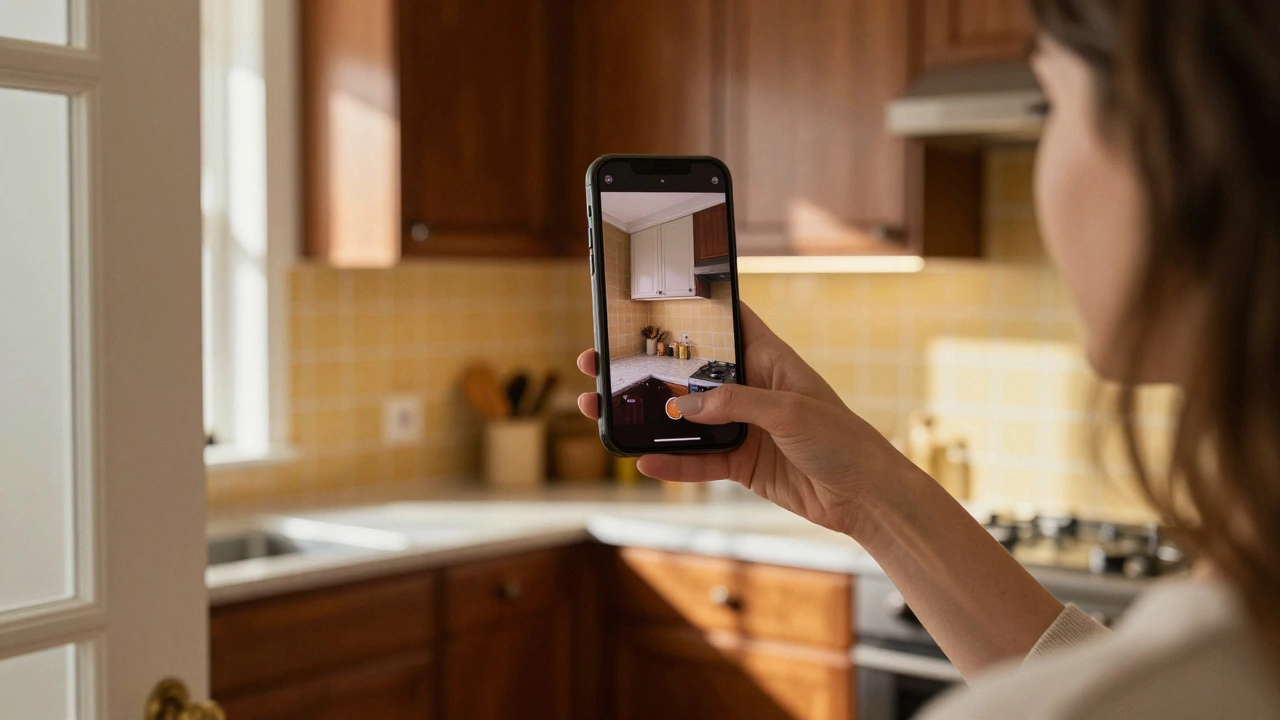
Think of it like a GPS for your kitchen. You don’t need to draw a map. You just point your phone at the room, snap a photo, and let the app do the rest. The system detects dimensions, identifies fixtures, and even estimates cabinet depth based on shadows and perspective. It’s not perfect, but it’s accurate enough to give you real, actionable ideas.
Top Apps That Let You Upload a Kitchen Photo
Not all apps are created equal. Some just overlay a new color scheme. Others rebuild your entire layout with real materials and appliances. Here are the three that actually deliver:
- Roomsketcher - Upload a photo, trace the walls with your finger, and swap out cabinets, countertops, and flooring. It uses real product catalogs from brands like Caesarstone and IKEA. You can generate a 3D walkthrough in minutes.
- HomeByMe - Free tier lets you upload one photo and rebuild your kitchen in 3D. It’s especially good for lighting simulation. See how your kitchen looks at 7 a.m. versus 8 p.m. without changing a single cabinet.
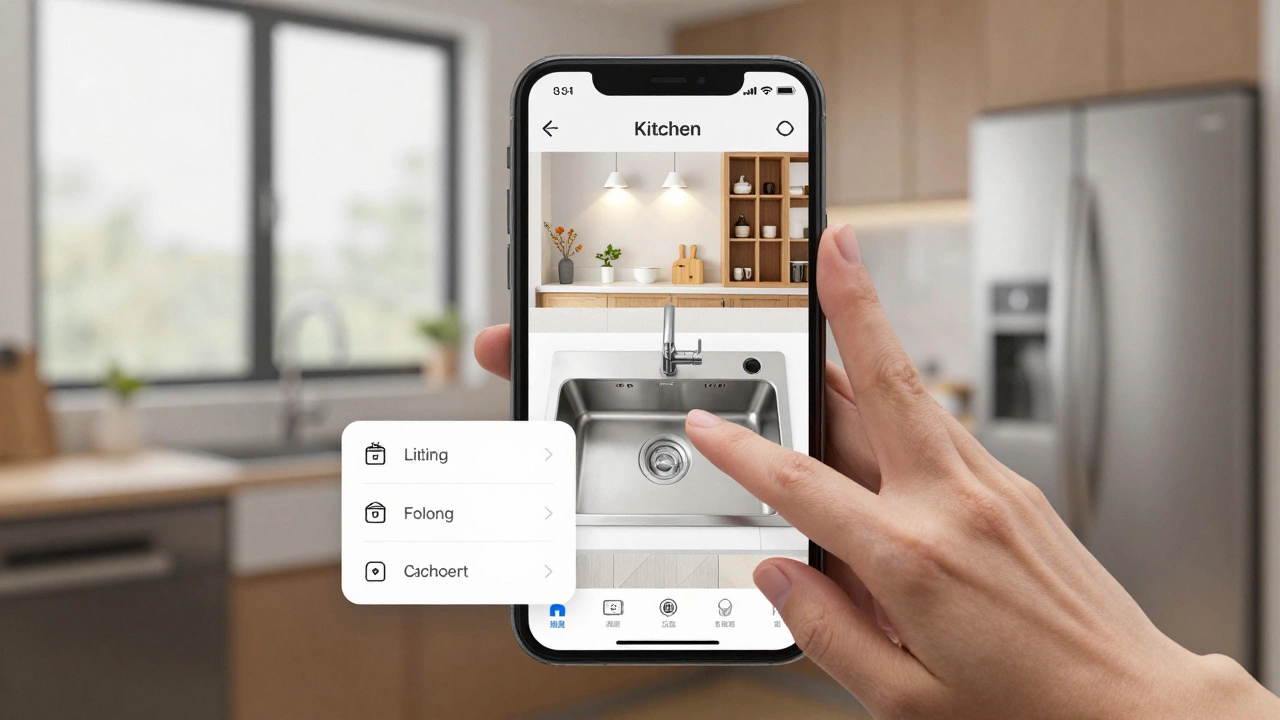
- Kitchen Magic (by Houzz) - This one’s built for homeowners. Upload a photo, tap on your existing sink or stove, and the app suggests replacements based on your style (modern, farmhouse, industrial). It even shows price ranges and local availability in Australia.
These aren’t gimmicks. They’re built on real 3D modeling engines used by professional designers. The difference? You’re not paying $2,000 for a consultation-you’re doing it yourself on your lunch break.
How to Take the Best Photo for Redesign
Not every photo works. A blurry shot of your kitchen with a phone case in the frame won’t cut it. Here’s how to take one that gives you real results:
- Clear lighting - Take it during daylight, but not direct sunlight. Overcast days are ideal. Avoid turning on overhead lights-they create harsh shadows.
- Stand back - Get as far away as you can while still fitting the whole room in frame. A wide-angle shot from across the room gives the app more context.
- Level your phone - Tilted photos mess up measurements. Use the grid on your camera app to keep it straight.
- Remove clutter - Clear the countertops. Take out the toaster, the mail, the half-used spice rack. The cleaner the surface, the better the app can map it.
- Take two photos - One wide shot, and one close-up of any tricky areas (like that awkward corner or the outlet behind the fridge).
These steps take less than five minutes. But they can turn a useless photo into a blueprint for change.
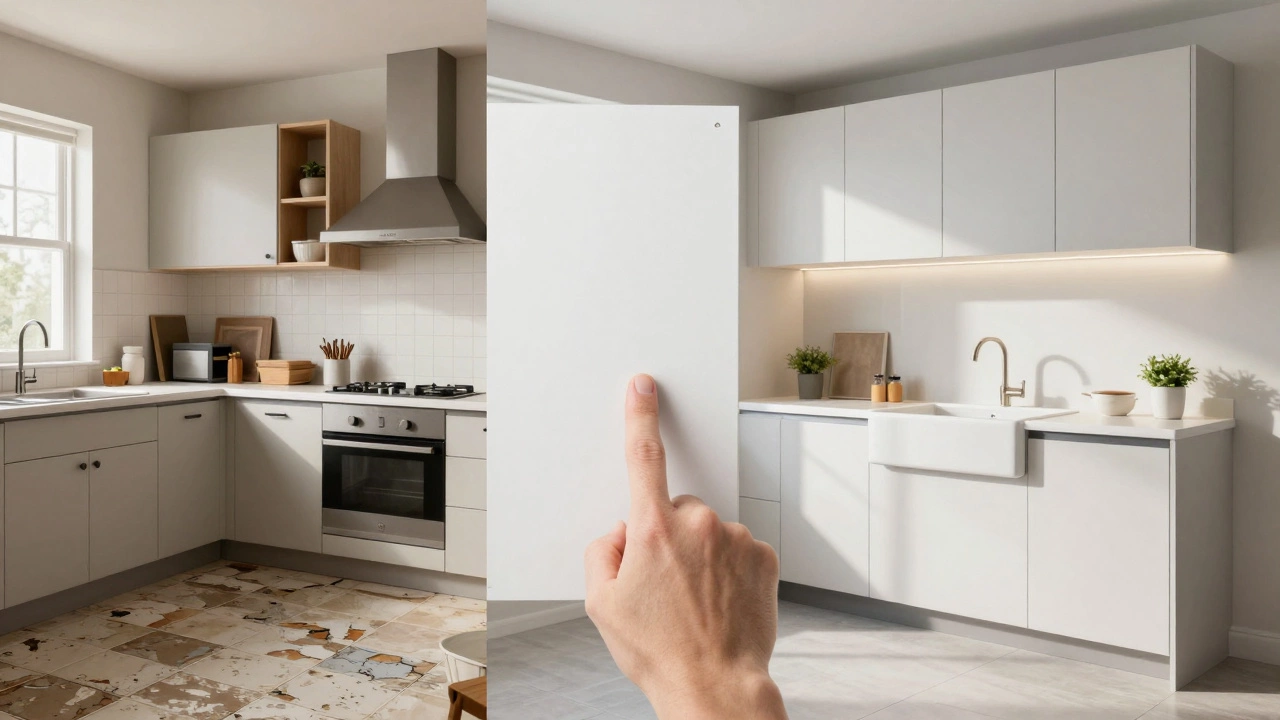
What You Can Actually Redesign
Once you upload, you can change almost everything:
- Cabinets - Swap out styles, colors, handles, and even the layout. Go from traditional raised panels to sleek frameless. Add pull-out pantries or corner carousels.
- Countertops - Test quartz, butcher block, or concrete. See how they look with your existing backsplash.
- Lighting - Try under-cabinet LEDs, pendant lights, or recessed spots. See how shadows shift.
- Appliances - Replace your 2008 fridge with a built-in stainless steel model. See how the door swing changes the workflow.
- Layout - Move the sink. Swap the fridge and oven. Turn a galley into an island setup. The app will flag code violations (like blocking a window) so you don’t waste money on an impossible plan.
One user in Adelaide uploaded her 1980s kitchen and ended up with a modern farmhouse layout-complete with open shelving and a farmhouse sink. She didn’t hire a designer. She just used the app, sent the plan to her contractor, and saved $1,800 in design fees.
Real Limitations (And How to Work Around Them)
These tools are powerful, but they’re not magic. Here’s what they can’t do-and how to fill the gaps:
- They can’t measure your ceiling height - If you’re planning recessed lighting or a tall cabinet, measure it manually. Use a tape measure and enter the number into the app’s settings.
- They don’t know your plumbing - If you’re moving the sink, you’ll need a plumber to check if the pipes can handle it. The app can show you where to put it, but not if it’s feasible.
- They can’t predict how your dog will react - That new island might look perfect, but if your golden retriever loves to nap under it, you’ll need room for tail wags.
Use the app to explore possibilities. Then take the best ideas to a local kitchen designer or contractor. Many pros now accept photo-based plans. You’re not replacing expertise-you’re preparing for it.
Why This Matters in 2026
Kitchen redesigns are the #1 home improvement project in Australia. But the old way-hiring a designer, waiting weeks for renderings, paying upfront-is broken. The new way is fast, free, and in your hands.
Apps like these are democratizing design. You don’t need to be rich. You don’t need to be creative. You just need a photo and the courage to try something new. And if you’re reading this, you already have that.
What to Do Next
Here’s your simple action plan:
- Grab your phone and take two photos of your kitchen using the tips above.
- Download one of the three apps listed: Roomsketcher, HomeByMe, or Kitchen Magic.
- Upload the photo. Play with layouts for 15 minutes.
- Save your favorite version.
- Print it or send it to a local contractor for a quote.
You’ve spent years living in that kitchen. Now, spend 15 minutes changing it forever.
Can I upload a kitchen photo for free?
Yes. Apps like HomeByMe and Kitchen Magic (by Houzz) offer free tiers that let you upload one photo and generate a basic redesign. You can experiment with cabinets, countertops, and lighting without paying a cent. Premium features like 3D walkthroughs or unlimited saves usually require a subscription, but the free version is enough to get real ideas.
Do I need to be tech-savvy to use these apps?
No. These apps are built for regular homeowners, not designers. You just take a photo, tap on parts of the room to select them, then swipe to swap out materials. The interface is like using a photo filter-drag, drop, and preview. Most people get comfortable in under five minutes.
Will the redesign show me how my new kitchen looks with natural light?
Yes, but only in apps like HomeByMe and Roomsketcher. They simulate daylight at different times of day. You can see how the morning sun hits your new quartz countertop or how shadows fall on the island at sunset. This is huge for avoiding dark corners or glare on your sink.
Can I use these apps if I live in Australia?
Absolutely. Kitchen Magic (by Houzz) and Roomsketcher include Australian product catalogs with local brands like Reece, Bunnings, and Caesarstone. HomeByMe lets you manually select materials from global brands that ship here. All apps work with Australian measurements (metric) and local electrical codes.
What if I want to change the layout completely-like moving the sink or adding an island?
The apps let you drag and drop fixtures anywhere. But they’ll warn you if you’re blocking a window, placing a sink too far from plumbing, or violating minimum clearance rules. For major changes, take the plan to a licensed contractor. They’ll tell you what’s structurally possible and what needs permits. The app gives you the vision; the pro gives you the reality check.