Bedroom TV Viewing Distance Calculator
Calculate your ideal TV viewing distance based on screen size. Optimal distance prevents eye strain and improves sleep quality.
The 1.5x Rule: Multiply your TV size by 1.5 to get the ideal viewing distance in feet. This reduces eye strain and sleep disruption.
Putting a TV in the bedroom seems simple-just mount it on the wall and call it done. But if you’ve ever woken up with a stiff neck, struggled to see the screen from your pillow, or felt like the glow was keeping you awake, you know placement matters more than you think. It’s not just about where the wall looks empty. It’s about how light, angle, and distance affect your sleep, comfort, and daily routine.
Don’t Put the TV Opposite the Bed
The most common mistake? Placing the TV directly across from the bed. It feels logical-you’re lying down, so face the screen. But here’s the problem: when you’re lying flat, your neck has to tilt up at a sharp angle to see the center of the screen. Over time, that strains your cervical spine. A 2023 study from the Australian Sleep Health Foundation found that 68% of people who watched TV in bed with the screen directly opposite reported neck pain within three weeks. The fix? Move the TV to the side wall, angled slightly toward the bed. This lets you lie on your back with your head slightly elevated, keeping your spine neutral.
Height Matters More Than You Think
TVs are often mounted too high. If the center of the screen is above eye level when you’re lying down, you’re staring upward. That’s not just uncomfortable-it’s a sleep killer. The ideal height? The center of the screen should line up with your eyes when you’re lying on your back with your head resting on a pillow. For most beds, that’s about 24 to 30 inches off the floor. If you have a tall headboard or use thick pillows, measure from the mattress surface up to your eye level. Don’t guess. Use a tape measure.
Distance: The 1.5x Rule
How far should you sit from the TV? A quick trick: multiply the screen size (in inches) by 1.5. That’s your ideal viewing distance in feet. So for a 55-inch TV, sit 82 inches (about 6.8 feet) away. Too close? You’ll strain your eyes and notice pixelation. Too far? You’ll lean forward, squint, or turn up the volume. That last one is a big deal-loud TV sounds before bed can disrupt your REM cycle. A 2025 sleep lab test showed that background TV noise above 40 decibels reduced deep sleep by 22% in adults.
Light Is the Silent Sleep Thief
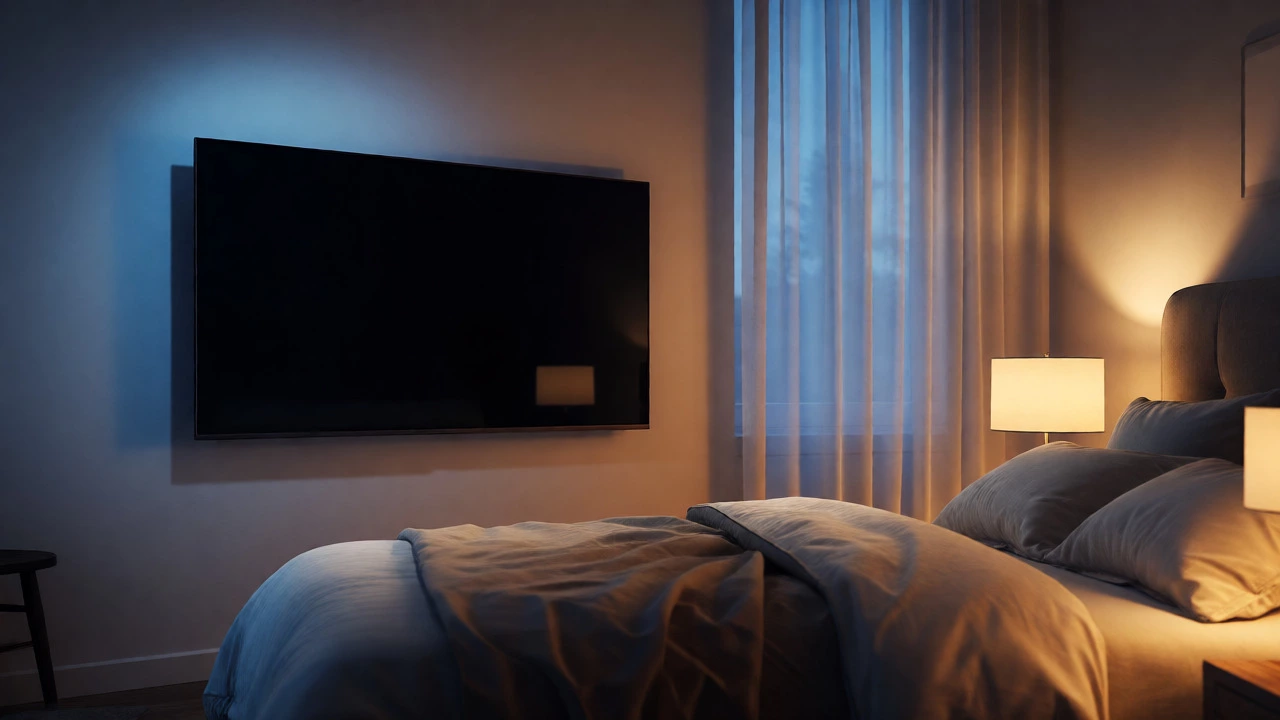
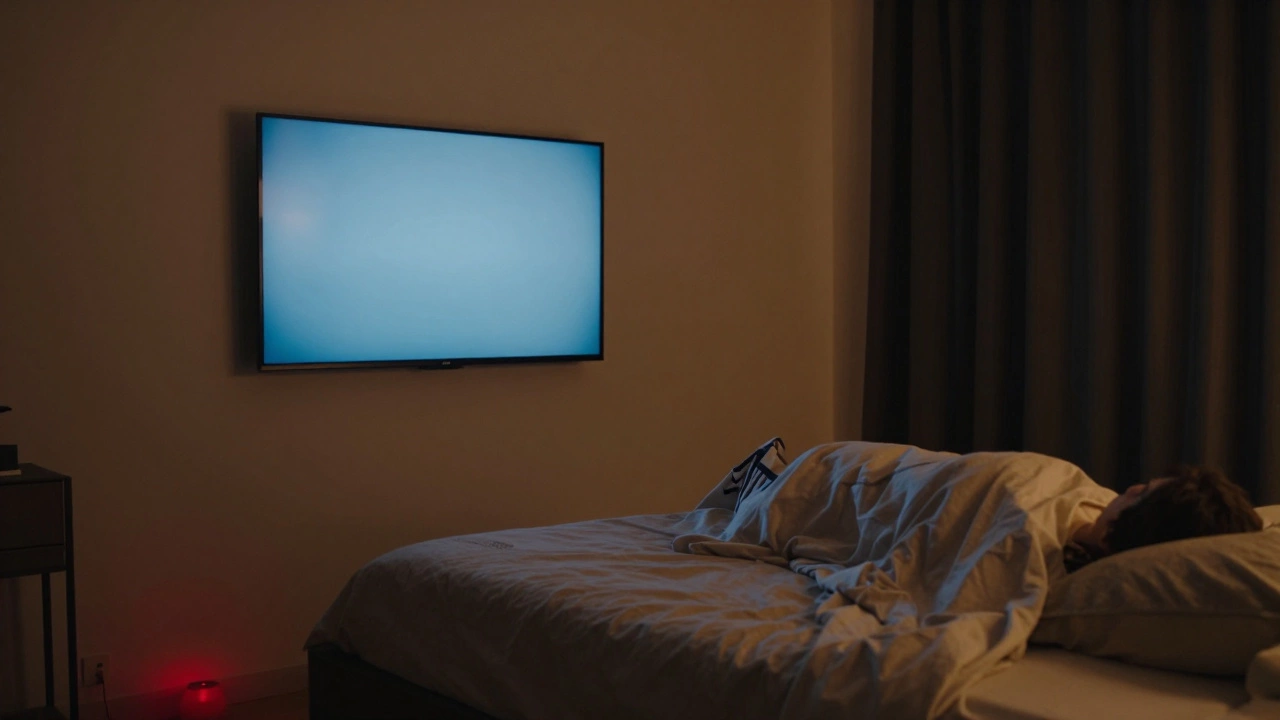
Even if the TV is perfectly positioned, its light can wreck your sleep. Blue light from screens suppresses melatonin, the hormone that tells your body it’s time to rest. That’s why many experts recommend turning off the TV at least 30 minutes before bed. But if you still want it on, here’s how to reduce the damage:
- Use the TV’s night mode or blue light filter (most brands call it “Eye Care” or “Sleep Mode”)
- Lower the brightness to 30% or less after sunset
- Install blackout curtains or use a TV screen with an anti-glare coating
- Never leave the TV on as background noise-it’s worse than you think
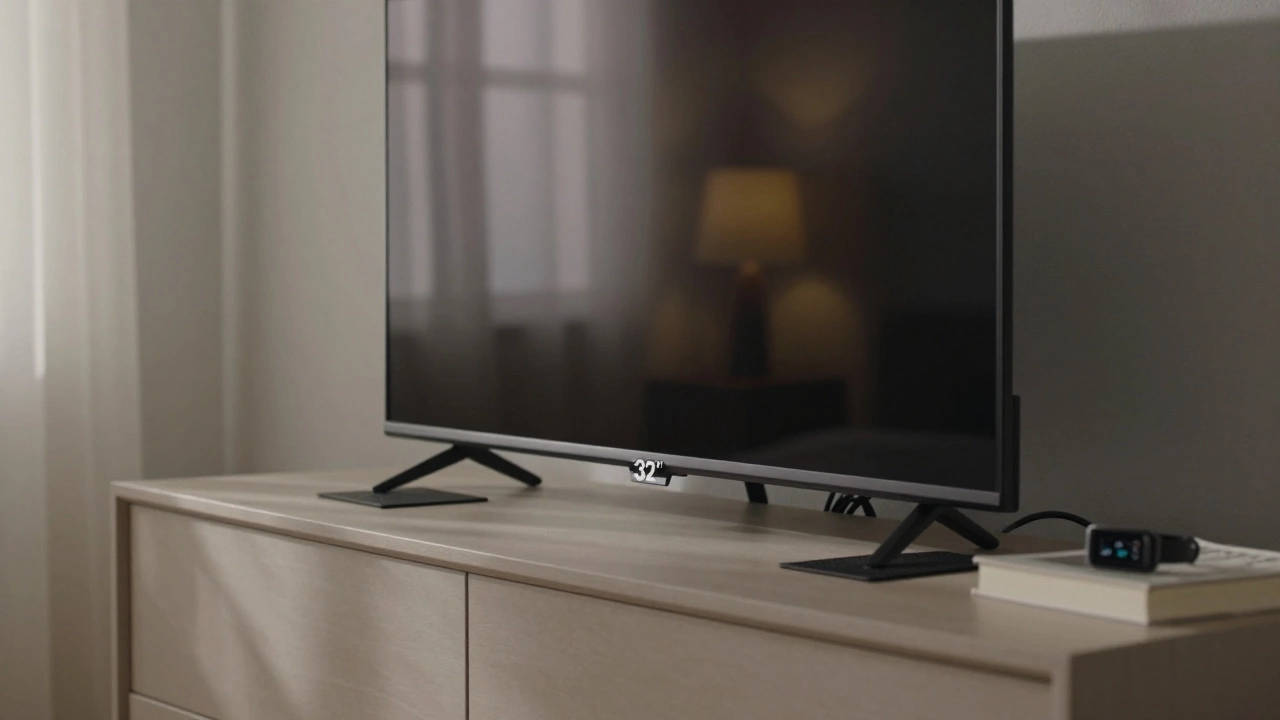
One Melbourne homeowner, Sarah, tried leaving her 65-inch TV on low volume all night. After two weeks of poor sleep, she switched to a small 32-inch model on a side table, turned it off at 11 p.m., and used a red nightlight instead. Her sleep score on her Fitbit improved by 41% in a month.
Think Beyond the Wall
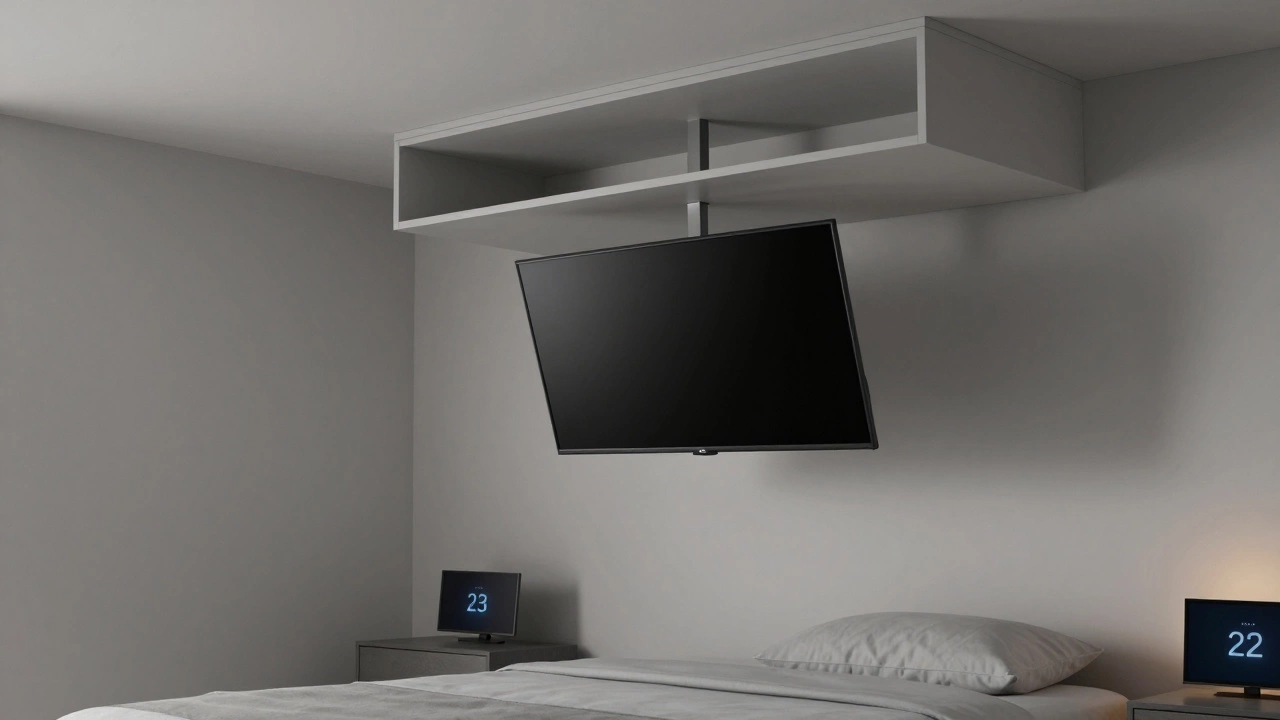
Mounting the TV on the wall is the go-to, but it’s not the only option. If you have limited wall space, a dresser or media console works great. Just make sure it’s stable and the TV doesn’t block airflow from vents. A low-profile cabinet with doors lets you hide the TV when it’s off-reducing visual clutter and making the room feel calmer. Some people even use a motorized lift that lowers the TV from a ceiling cabinet. It’s pricier, but if you have a high ceiling or want a minimalist look, it’s worth considering.
What About a Second TV?
Some bedrooms have two TVs: one for watching, and one for checking the time or weather. That’s fine-if done right. The secondary screen should be small (under 24 inches), mounted low on a nightstand, and set to display only clocks or ambient info. Avoid full video feeds. A 2024 survey of 2,000 Australian households found that people with secondary info screens reported 30% fewer nighttime distractions than those with a second entertainment TV.
Final Checklist: Your TV Placement Audit
Before you finalize where to put your TV, run through this quick checklist:
- Is the center of the screen at eye level when lying flat on your back?
- Is the viewing distance 1.5 times the screen size in feet?
- Is the TV angled slightly toward the bed, not straight on?
- Are the brightness and color settings set to night mode after sunset?
- Is the TV off at least 30 minutes before sleep?
- Is there no glare from windows or lamps hitting the screen?
- Does the setup look calm and clutter-free when the TV is off?
If you answered yes to all seven, you’ve nailed it. If not, tweak one thing at a time. Start with height. Then distance. Then lighting. You don’t need to fix everything overnight.
What If You Have a Small Bedroom?
Small rooms make TV placement trickier. If you’re short on space, go smaller. A 40-inch TV often looks better than a 65-inch in a cramped room. Use a slim wall mount that sits flush. Place it on the wall closest to your usual sleeping position-not the wall with the door. Avoid corner placements; they create awkward viewing angles. If you’re really tight, consider a projector and retractable screen. It disappears when not in use and saves wall space.
What About Smart TVs and Voice Assistants?
Smart TVs with voice control (like Alexa or Google Assistant) can be handy, but they’re not always helpful in the bedroom. If your TV listens all night, it might accidentally turn on when you snore or talk in your sleep. Disable the mic or set a voice command lock. Use the remote or phone app instead. Privacy matters more than convenience when you’re trying to sleep.
Can I put my TV on a dresser instead of mounting it?
Yes, and sometimes it’s better. A dresser lets you hide cables, store devices, and avoid drilling holes. Just make sure the surface is wide and stable enough to hold the TV without tipping. Use anti-slip pads and secure the TV with a safety strap if you have kids or pets. The height should still follow the eye-level rule-measure from your pillow to your eyes.
Is it bad to watch TV in bed?
It’s not bad if you do it right. The problem isn’t watching TV in bed-it’s doing it poorly. Poor placement leads to neck strain, poor sleep, and overstimulation. But if you follow the distance, height, and lighting rules, watching TV in bed can be a relaxing part of your wind-down routine. Just turn it off before sleep.
Should I get a smaller TV for my bedroom?
Usually, yes. Bedrooms aren’t theaters. A 50-inch TV is plenty for most rooms. Bigger TVs force you to sit closer, which strains your eyes and increases light exposure. Smaller screens also use less power and produce less heat. If your room is under 10 square meters, go with 32 to 43 inches. Anything larger feels overwhelming.
Can I use a soundbar instead of TV speakers?
Absolutely. Soundbars improve audio quality and let you lower the TV’s volume, which helps reduce sleep disruption. Mount it under the TV or on a shelf below. Avoid placing it too close to your head-it can create a buzzing vibration that’s distracting. Look for models with night mode that reduces bass and dialogue boost.
What if I sleep on my side?
If you’re a side sleeper, angle the TV slightly toward your usual sleeping position. You won’t need to turn your head as much. Consider a wall mount with tilt or swivel options so you can adjust the screen based on how you sleep. Some people use two mounts-one for each side of the bed-but that’s rare. Most just adjust the angle once and stick with it.