Kitchen Planning Cost Estimator
Project Inputs
Cost Breakdown
Update your inputs to see fees.
You know that feeling when you scroll through Pinterest and find the perfect kitchen inspiration, only to panic about the budget? You open the browser to design your dream space, expecting to start for zero dollars, then hit a paywall. It happens too often. If you're asking whether the IKEA kitchen planner is free, you are looking for permission to renovate without hiring a pricey architect.
The short answer is yes. The core digital planning tools offered by the Swedish retailer come at no cost to you. You do not need to enter a credit card number to open the interface or save a basic floor plan. However, the moment you talk to a human being about those plans, things shift slightly. There are distinctions between the software you use on your laptop and the professional advice you might buy separately.
Quick Answers: What You Need to Know Now
Before we dig into the nitty-gritty of the interface, let's settle the main doubts you probably have sitting in your garage or living room right now.
- Cost: Accessing the online planner and the IKEA Kreativ app is completely free.
- Account: You need a free account to save designs, but viewing requires nothing.
- Services: Professional help from an IKEA advisor costs money, usually bundled with the purchase of cabinets.
- Export: You cannot export the design to third-party CAD software, but you can print shopping lists.
- Validity: The planner includes the latest 2026 product catalog updates for Australia.
The Verdict on Pricing: Software vs. Service
Let's separate the digital tool from the human element. When people ask if the tool is free, they usually mean "Can I draw my kitchen without spending $500?" Yes, you absolutely can. The IKEA Kitchen Planner is a web-based software application designed to help customers visualize and plan their kitchen layouts using modular furniture components. Also known as the IKEA Home Planner, it runs directly in your browser without requiring downloads.
This software exists to sell furniture, not software subscriptions. Their business model relies on you buying the actual cupboards and appliances. Therefore, charging you for the blueprint would hurt their sales. It creates a barrier to entry. By making it free, they remove friction. You spend hours designing; you get excited; eventually, you order the units.
In Australia, specifically here in Melbourne and surrounding suburbs, you might find regional differences in stock, but the tool remains consistent. You won't see a currency switch-up forcing you to pay extra. If you log in from a local IP address, the prices appear in AUD with GST included.
Where the confusion starts is the "Design Service." If you bring your printed plan to the store and ask for help finalizing it, staff members can assist. Basic assistance during a showroom visit is complimentary. However, a dedicated kitchen designer who visits your home to measure and finalize specifications usually comes with a fee. Often, this fee is refunded if you purchase a minimum amount of cabinetry, typically over $3,000 worth of products.
How to Access the Tool Without Hiccups
Getting started is straightforward, but the landscape has changed recently with the introduction of AI. You essentially have two paths to take in 2026.
The first path is the legacy Kitchen Planner. This is the drag-and-drop interface most of us recognize. You input room dimensions, place walls, and slide cabinet models onto the grid. It works exactly like drawing in 2D and viewing it in 3D. It relies on manual entry. You type in "100cm" and the wall stretches.
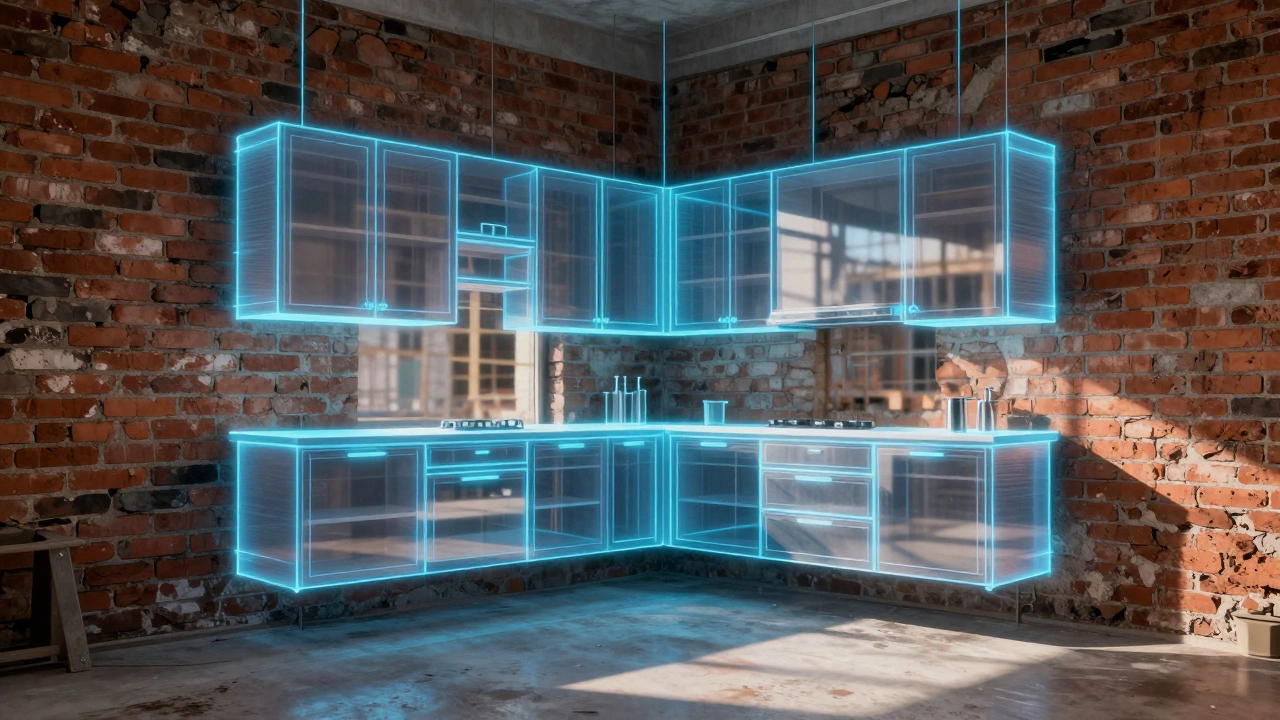
The second path is IKEA Kreativ. Launched fully across markets in recent years, this tool uses augmented reality (AR) and AI scanning. You point your smartphone camera at the existing room, scan the walls and windows, and the AI maps the space automatically. You can then digitally replace your current cabinets with IKEA SKÄRÅ or SEKTION models instantly. In 2026, this AI scanner is significantly faster and more accurate than the beta versions from three years ago.
To access either, you simply navigate to the official website. Look for the "Room Planners" or "Design Tools" tab in the header menu. No download is necessary. Just ensure your browser supports WebGL for the 3D rendering. Chrome, Safari, and Edge work best. Firefox sometimes struggles with the older rendering engine used in the legacy planner.
What Features Actually Work Best?
Avoid the temptation to use every feature. The tool is powerful, but it can overwhelm you. Focus on these core capabilities that drive real decisions.
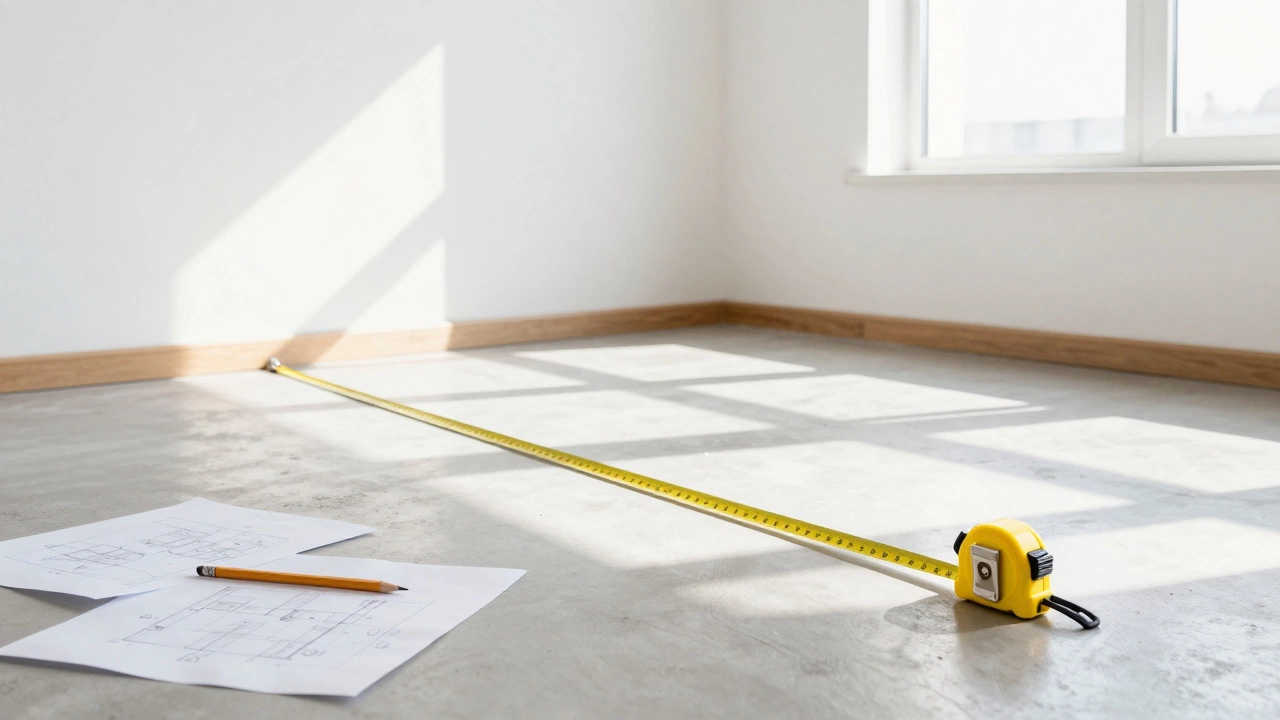
Measurement Precision: The biggest mistake in DIY planning is guessing wall sizes. The planner allows you to zoom in and adjust millimeter by millimeter. Do not skip measuring your actual room with a tape measure. Digital estimation without physical verification leads to gaps. A 2-centimeter error near a corner blockout can ruin the installation.
Appliance Integration: You aren't just placing cupboards. You need to fit the fridge, dishwasher, and oven. The tool has pre-defined slots for major brands including Smeg, Bosch, and Fisher & Paykel, which are common in Australian homes. Ensure you select the correct height, especially under-bench ovens versus wall-mounted ones.
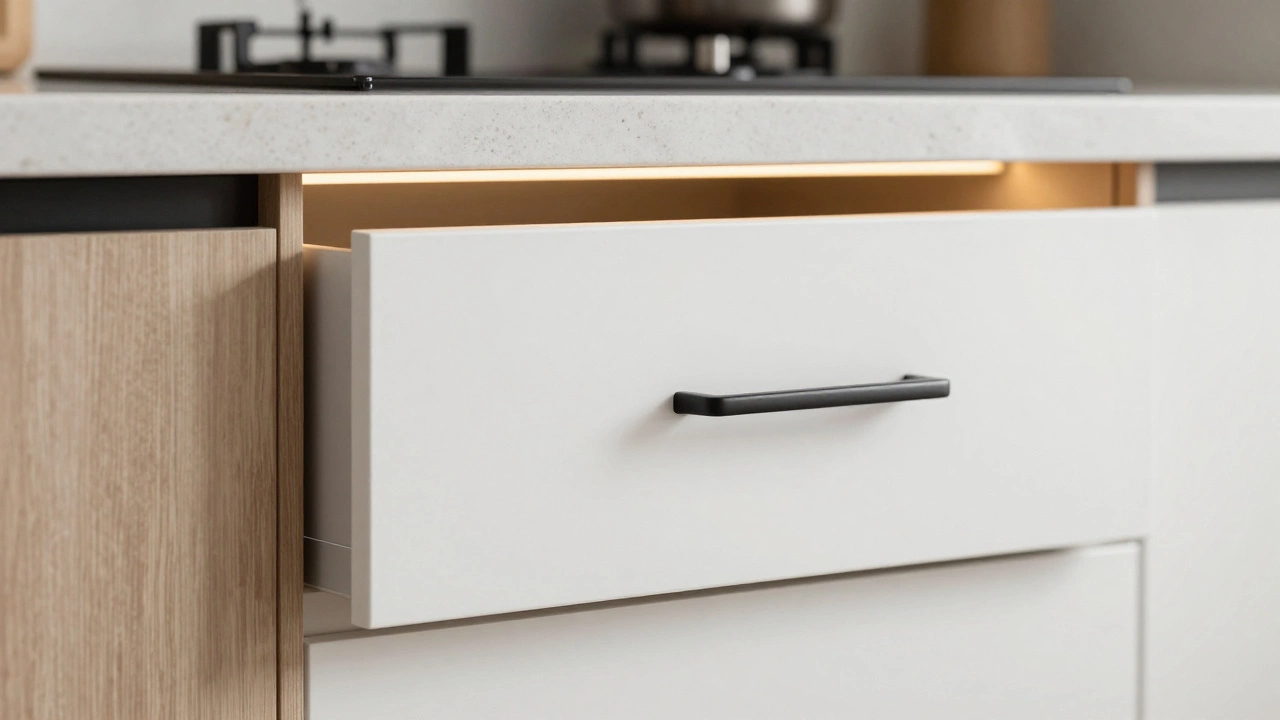
Door Handles and Finishes: Visual appeal matters. You can swap handle styles in seconds. Try black iron handles against white matte fronts. Then swap to silver. The color swatches update in real-time. This helps you match the aesthetic to your rest of the house, like your bathroom vanity or living room shelving.
Lighting Zones: Good planners consider task lighting. You can insert under-cabinet lighting modules into the plan. This ensures you aren't working in shadows at the benchtop. While you can't model wiring, you can reserve the power points needed.
| Method | Cost | Speed | Accuracy | Best For |
|---|---|---|---|---|
| IKEA Web Planner | Free | Moderate | High (Manual) | Detailed Layouts |
| IKEA Kreativ App | Free | Fast | Medium (Scan Dependent) | Visualization |
| Hired Professional | Paid (~$500 AUD) | Very Fast | Very High | Complex Renovations |
| SketchUp Free | Free | Slow (Learning Curve) | Variable | Custom Designs |
Understanding the Hidden Limitations
Nothing is perfectly free without trade-offs. The digital planner is built to sell IKEA products, primarily the IKEA SEKTION system. SEKTION is a modular kitchen system consisting of carcasses, doors, drawers, and fittings designed for flexibility and easy assembly. This is good news if you want IKEA kitchens. It is bad news if you want to mix IKEA cabinets with a custom-made island or a non-IKEA stone benchtop.
The planner does not allow you to import external files easily. If you hire a builder to pour a concrete slab first, you can't upload the blueprints into the IKEA planner seamlessly. You have to redraw the floorplan manually. This adds time. If your room has odd angles, sloping ceilings, or columns in the middle of the room, the standard planner might force you to box the room into a rectangle. It struggles with very unconventional architecture.
Another limitation concerns structural constraints. The software checks for clearance and door swings. It warns you if a door hits another drawer. However, it does not warn you about plumbing risers or gas lines behind the walls. It assumes the back wall is empty. Before committing to the plan, consult a tradesperson. Nothing ruins a renovation faster than installing a sink where the water supply pipe doesn't exist.
Alternatives: Should You Look Elsewhere?
If the IKEA ecosystem feels too restrictive, there are other tools. Most are also free, but the library of parts differs.
SketchUp Free: This is a general-purpose 3D modeling tool. It is steeper to learn. It offers total freedom. You can draw anything. But you have to search the community warehouse for cabinet textures or download models. It takes much longer to achieve a realistic look compared to the specialized IKEA planner.
Houzz or Planner 5D: These platforms focus heavily on interior decor rather than technical carpentry details. They give you a pretty picture of how curtains hang, but they lack the precise measurements needed for cabinetry installation. Use these for mood boards, not building specs.
Professional Architect Software: Programs like AutoCAD or Revit exist for professionals. Unless you have a license, don't bother. Even learning the basics takes weeks. Stick to the web planners for residential scale projects.
Tips for Success with Your Plan
Using the tool effectively requires discipline. Here are rules of thumb from experience in Australian homes.
- Start Small: Don't try to design the whole kitchen on Day One. Map the walls first. Verify the math. If the perimeter length matches your tape measure, proceed.
- Save Versions: Use the "Save Project" function. Call them Version 1, Version 2. Ideas change. You might realize on Tuesday that the microwave drawer idea was a bad move after breakfast.
- Check Traffic Flow: Walk around the screen simulation. Is there enough legroom to stand next to someone cooking? The tool measures width, but you must judge comfort.
- Verify Hardware: Double-check hinge types. Soft-close hinges are often add-ons. Some base cabinets require different frames depending on the door material (laminate vs. acrylic).
- Print Shopping Lists: The generated quote is crucial. It lists every screw, shelf support, and door. Compare this list against the delivered boxes. Missing hardware delays assembly.
Frequently Asked Questions
Is the IKEA kitchen planner really 100% free?
Yes, the software itself costs nothing. You can create, edit, and view designs without payment. However, purchasing the kitchen units or booking a professional design consultation incurs separate costs.
Can I use the planner if I live outside of Australia?
The tool is global, but your results depend on your location setting. Selecting Australia displays Australian pricing (AUD), voltage standards (240V), and stock availability specific to stores in Sydney, Melbourne, Brisbane, and Adelaide.
Does the planner include countertops?
It includes options for solid timber, laminate, or composite tops compatible with the SEKTION frame. However, exact fabrication measurements for stone benches are usually finalized during the installation phase due to on-site precision needs.
Will the AI in Kreativ replace my old cabinets accurately?
The AI visualization in IKEA Kreativ scans the environment and overlays products realistically. However, it is for visualization purposes. For installation, you must still use the precise measurements from the standard kitchen planner.
Is there a way to get a discount on the design service?
Often yes. If you spend over a certain threshold on cabinetry (typically $3,000+), the design service fee is waived. Check the latest terms at your local store or website for current thresholds.
Next Steps for Your Project
You have confirmed the cost-zero-and understood the tools. Now, move forward. Download the app on your phone to capture the room dimensions immediately. Start the web planner tonight. Treat it as a sketch. Even if you eventually hire a professional to finalize the install, having a rough draft saves everyone time. Measure twice, design once, and remember that the best kitchen is one that suits your daily routine, not just the pictures you saw online.