Hard Drive Data Longevity Estimator
Input Your Storage Conditions
Ever wonder what happens to your family photos, videos, or important documents stored on an old hard drive tucked away in a drawer? You plug it in months later, hoping to relive a memory - but the drive won’t turn on. Or worse, it spins up but shows nothing. This isn’t just bad luck. It’s a predictable outcome for most hard drives left unused. The truth? hard drive data doesn’t last forever, and how long it survives depends on far more than just how often you use it.
Hard drives aren’t designed for long-term storage
Hard drives are built for active use, not archival. They’re mechanical. Inside, there’s a spinning platter coated with magnetic material, and a tiny read/write head that hovers nanometers above it. That’s fine for daily access, but when the drive sits idle, things start to go wrong. The lubricant on the spindle bearing can dry out. The magnetic field holding your data can weaken over time. Even the metal parts can corrode if humidity creeps in.
Manufacturers don’t claim their drives will last 10 years in storage. Most list a "shelf life" of around 2 to 5 years under ideal conditions. That’s not a guarantee - it’s a rough estimate based on lab tests in climate-controlled rooms. Real homes? Not ideal. Melbourne’s damp winters, summer heat spikes, and occasional power surges make things worse.
Temperature and humidity are silent killers
Your garage, attic, or basement might seem like a quiet place to store a backup drive, but they’re the worst spots. Heat accelerates magnetic decay. A drive sitting at 35°C for months loses data faster than one kept at 20°C. Humidity? That’s when corrosion starts. Moisture gets inside through tiny gaps, and over time, it eats away at the internal components. I’ve seen drives from 2018 that were stored in a damp shed - the platters were rusted. No data recovery service could fix them.
Studies from Backblaze, which monitors over 200,000 drives, show that drives stored in environments with humidity above 60% are 3x more likely to fail within 3 years than those kept below 40%. And temperature swings? They cause expansion and contraction of materials inside the drive, which can misalign the read/write head. One small shift, and your files become unreadable.
Time itself erases data
Even if you keep your drive in a cool, dry closet, the data won’t last forever. Magnetic storage has a natural decay rate. The tiny magnetic domains that represent your 1s and 0s slowly lose their alignment. Think of it like a photograph fading in sunlight - except you can’t see it happening.
Research from Carnegie Mellon and the University of California suggests that under perfect conditions (constant 20°C, 40% humidity, no power cycles), data on a hard drive can remain intact for about 10 years. But that’s the best-case scenario. For most people, 5 years is a safer estimate. After that, the risk of bit rot - where individual bits flip from 1 to 0 - climbs sharply. You might not notice until you try to open a file and it’s corrupted.
Power cycles and movement matter more than you think
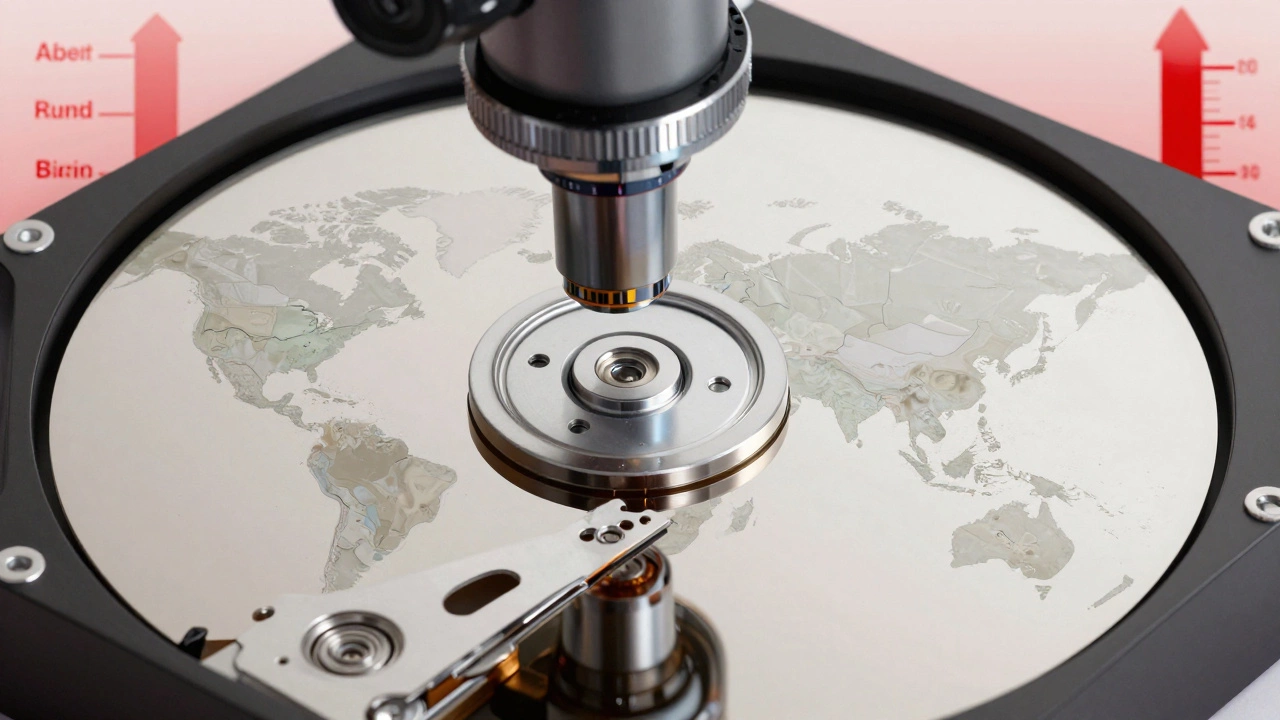
You might think that turning a drive on and off a lot wears it out. That’s true for daily use. But for storage, the opposite is worse. Drives that sit untouched for years often fail when you finally power them up. The motor seizes. The bearings stick. The head crashes because it hasn’t moved in a decade.
And don’t move it around. Dropping a drive - even once - can damage the internal alignment. You don’t need to drop it from a height. A bump on the way to a new storage spot can be enough. I’ve seen drives that survived 8 years in storage fail after being moved from one shelf to another.
SSDs are not the answer either
People often switch to SSDs thinking they’re more reliable for long-term storage. But they’re not. SSDs store data in flash memory cells, and those cells slowly leak electrical charge. Without regular power, the data fades. Most consumer SSDs lose data after 1 to 3 years without power. Enterprise SSDs last longer - up to 5 years - but they’re expensive and not meant for home use.
And here’s the catch: SSDs don’t give you warnings. A hard drive might make clicking noises before it dies. An SSD just stops working. No sound. No warning. One day it works. The next, it’s blank.
What actually works for long-term storage?
If you want your data to last, you need a strategy - not just a drive. Here’s what works:
- Use multiple drives - Store the same data on two or three drives. Keep one in your house, one in a safety deposit box, and one with a trusted friend. If one fails, you still have backups.
- Check your drives every 2 years - Power them on. Plug them into a computer. Open a few files. Make sure they still work. If they don’t, copy the data to new drives immediately.
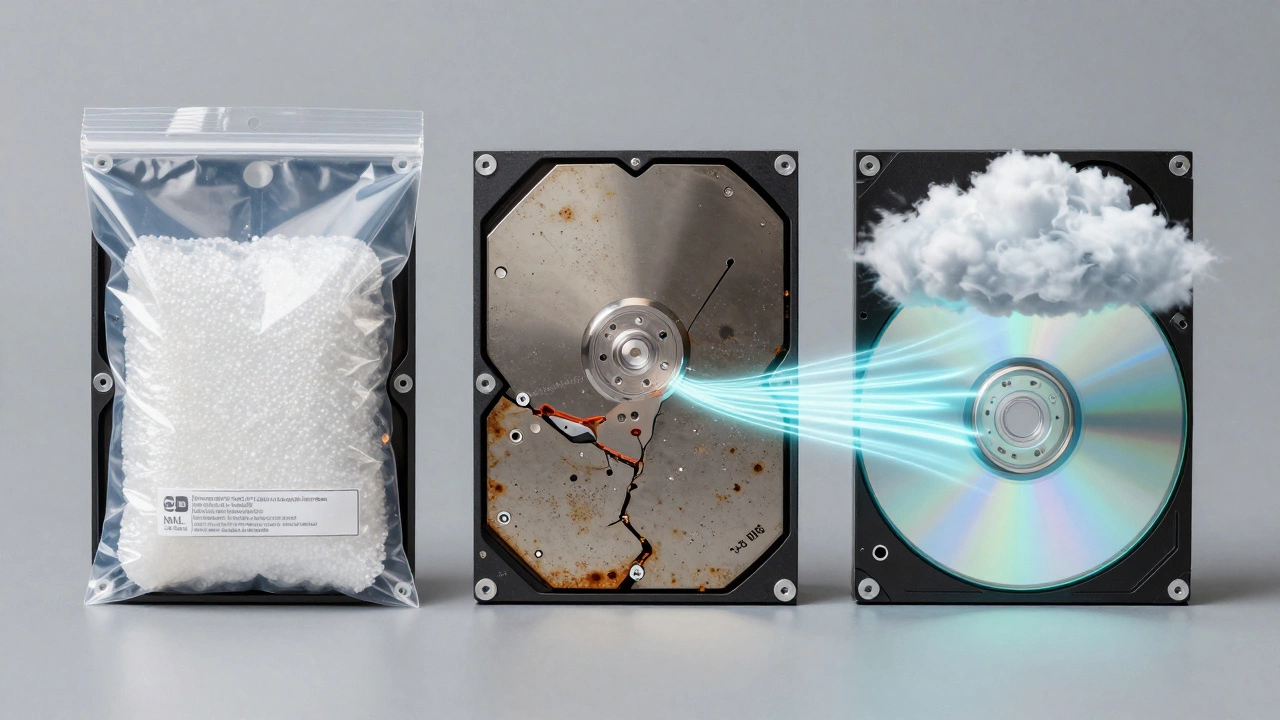
- Use archival-grade media - For truly important data (like family videos or legal documents), consider M-DISC optical discs. They’re designed to last 100+ years and don’t rely on magnets or electricity. You’ll need a compatible burner, but they’re cheap and reliable.
- Store drives properly - Keep them in anti-static bags, inside a sealed plastic container with silica gel packs. Store them upright in a cool, dry place - not the attic, not the basement. A closet with stable temperature is best.
- Don’t rely on cloud storage alone - Cloud services go out of business. Accounts get deleted. Prices change. Use the cloud as a supplement, not your only copy.
What happens if your drive fails?
If you’ve waited too long and the drive won’t spin, don’t panic. But don’t try to fix it yourself either. Opening a drive in a regular room lets dust in - and that’s the death sentence. Professional data recovery labs work in clean rooms, and they can sometimes pull data from drives that look completely dead. But it’s expensive - $500 to $2,000 depending on the damage.
And here’s the hard truth: if you didn’t back up your data, and the drive failed after 7 years of storage, you probably lost it for good. No magic tool can bring it back. Prevention is the only real solution.
Real-world advice for homeowners
Most people store data on hard drives because it’s easy. But ease leads to neglect. If you’ve got photos from your kids’ birthdays, wedding videos, or scanned family documents - treat them like heirlooms. Don’t just save them once and forget.
Set a reminder on your phone: "Check backup drives" every 24 months. When it goes off, grab your oldest drive, plug it in, and open a few files. If they load, copy them to a new drive. If they don’t, try recovery software - but don’t waste money on fancy tools. Most free software works just as well.
And when you replace a drive, don’t toss the old one. Keep it for a year as a backup. Then, if everything’s copied over, recycle it properly. Many electronics stores take old drives for safe disposal.
Data doesn’t last on its own. It needs care. If you treat your hard drive like a tool you use every day, it’ll serve you well. If you treat it like a time capsule, it’ll betray you.
How long does data last on a hard drive if it’s not used?
Under ideal conditions - cool, dry, no power cycles - data can last up to 10 years. But in a typical home, expect 3 to 5 years before the risk of failure rises sharply. After that, bit rot and mechanical decay make data recovery unlikely.
Can you recover data from a hard drive that won’t turn on?
Sometimes, but not always. If the drive makes clicking noises or doesn’t spin, it’s likely a mechanical failure. Professional labs can open the drive in a clean room and replace damaged parts to retrieve data. Success rates vary, but it costs $500-$2,000. If the drive was stored poorly (high humidity, heat), recovery is unlikely.
Are SSDs better than hard drives for long-term storage?
No. SSDs lose data faster without power. Most consumer SSDs can’t hold data longer than 1-3 years without being powered on. Hard drives, while mechanical, can last longer in storage - up to 5-10 years under ideal conditions. But neither is reliable for true long-term archiving without regular checks.
What’s the best way to store an old hard drive?
Keep it in an anti-static bag, inside a sealed plastic container with silica gel packs to absorb moisture. Store it upright in a closet with stable temperature - not the attic, basement, or garage. Avoid places with high humidity or temperature swings. Power it on and check the files every 2 years.
Should I use cloud storage for long-term backups?
Cloud storage is useful, but not enough on its own. Services can shut down, change pricing, or lose your data due to policy changes. Use cloud storage as a third copy - not your only one. Always keep at least one physical backup on a drive you control.